
Release
Sep 2013
Critic score
64/100
Platform families
5
Editorial overview
What it is
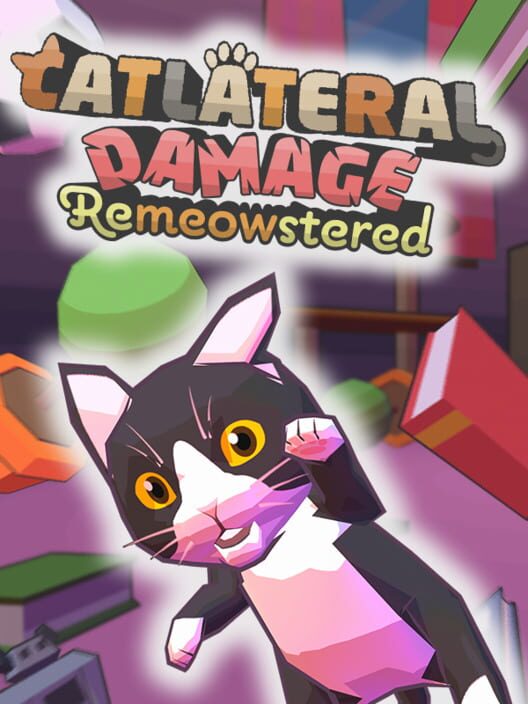
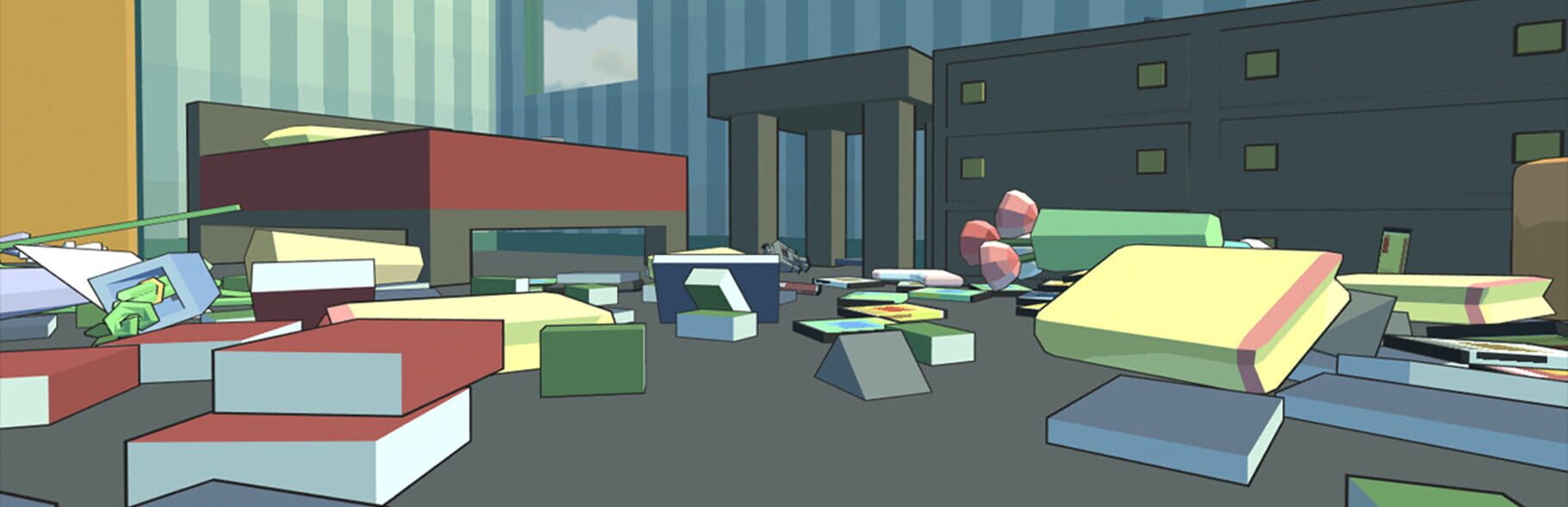
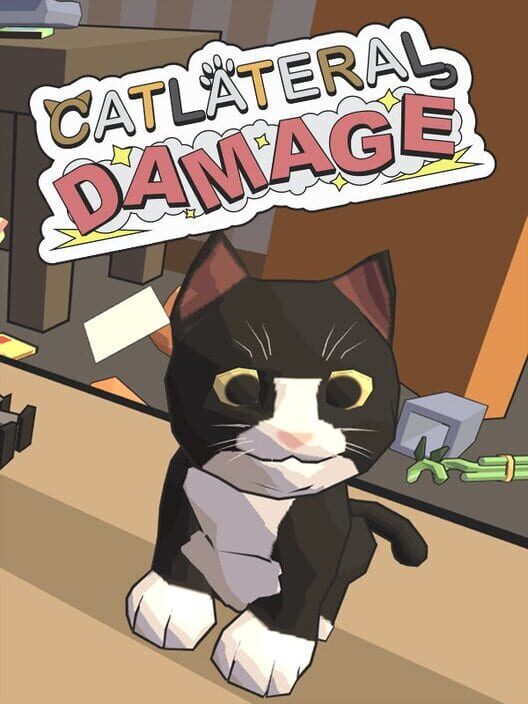
Catlateral Damage is a first-person destructive cat simulator where you play as a cat on a rampage, knocking as much stuff onto the ground as possible. See the world through the eyes of a cat! Like other first-person games, you can walk and look around, jump, and crouch. Unlike other first-person games, your primary weapons are your two cat paws, which you can use to swipe at and knock objects onto the floor.
Play styles
Single player
Perspective
First person · Virtual Reality
Themes
Action
More like this
Connected releases
2
Game data from IGDB
Languages
2 supported
Cinematic archive
Official footage, in-game captures, and production artwork—collected into one immersive gallery.
Catlateral Damage Infomercial
Content map
DLC, expansions, editions, and bundles are different products. Each stays in its own lane so you always know what you are looking at.
Playable add-ons
Optional releases built to extend the base game with new stories, systems, or items.
Restored
Modernised releases built from the original production.
Production dossier
Cast, creators, hardware, release history, and the details that define how this game plays.

Web browser

PlayStation 4
Gen 8

Ouya
Gen 8

Linux

PlayStation VR
Gen 8

PC (Microsoft Windows)
No reviews yet — be the first.

SteamVR

Mac
Minimum
Minimum: • OS: Ubuntu • Processor: 2.0 GHz • Memory: 2 GB RAM • Storage: 1 GB available space • Additional Notes: We cannot support distributions that are not officially supported by Steam. Epilepsy warning: Some in-game effects may be problematic for some players. These can be disabled under the “Audio/Visual” tab of the “Options” menu on the title screen.
Recommended
Recommended: • OS: Ubuntu • Processor: 3.0 GHz or better • Memory: 4 GB RAM • Storage: 1 GB available space • Additional Notes: We cannot support distributions that are not officially supported by Steam. Epilepsy warning: Some in-game effects may be problematic for some players. These can be disabled under the “Audio/Visual” tab of the “Options” menu on the title screen.